
The Checkout Process:
If accepted by your merchant, you will see the option to 'pay with cryptocurrency' on the payment confirmation page during checkout.
Your wallet options will appear after you sign your contract and click continue:
Image: Select 'Pay with Crypto' and Sign Contract
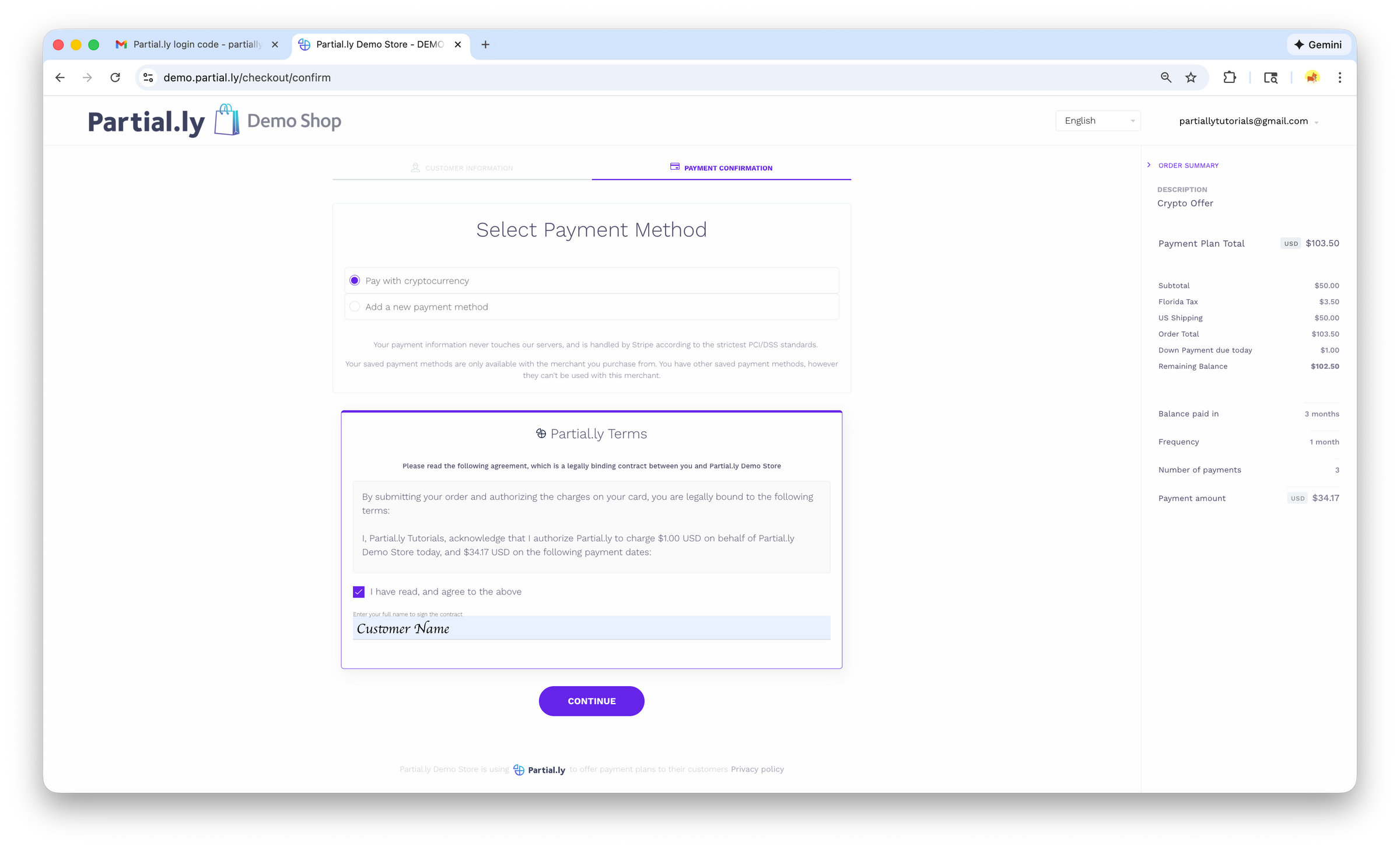
Image: Choose Your Wallet

Image: Submit Your Payment

After Your Plan is Opened with Crypto:
Automatic Payments
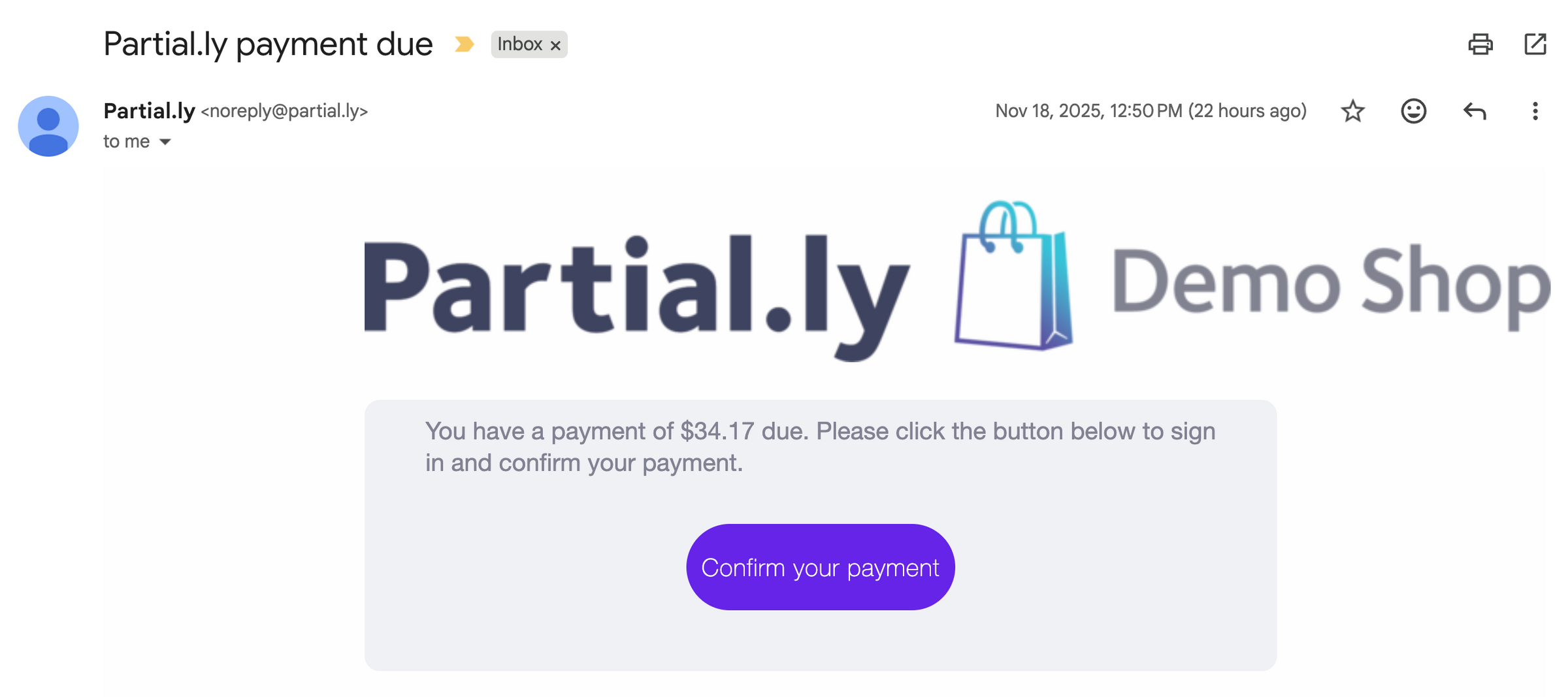
If you are on an automatic schedule, you will recieve an email on the day of processing to confirm the crypto payment.
Manual Payments
To make payments manually, log into partial.ly/login and click the 'make a payment' link next to your plan.
You will see the option to use your crypto wallet if it was used to open the plan.
Crypto Option Not Available During Checkout:
If you don't see the option to pay with cryptocurrency during checkout, this means your merchant does not accept it at this time